
Features:
System security Supports three-level account, password, user multilevel authority management
DDNS(free) Built in free DDNS system,like http://demo.easyn.hk,'demo' is serial code
IE multi-channel view client(free) No need to install software, support multi-channel monitor &management & check alarm picture via IE
CMS EasyN multi-window mangement software,no user limited , centralized monitor, remote record
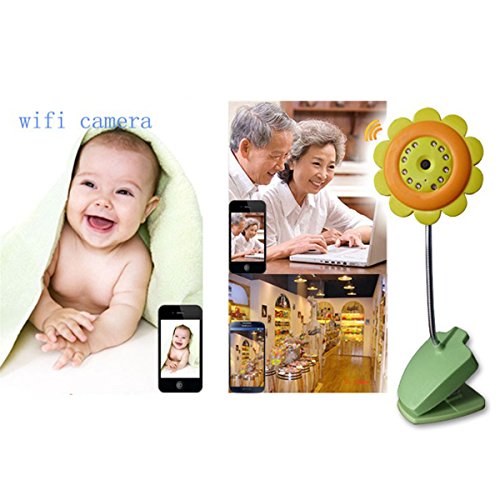
Superiority Support monitor via computer and most of intelligent cellphone on the market(such as Android ,iPhone,Windows,etc)
CPU:
Operation system Embedded Linux OS
Microcomputer processor 32Bit RSIC Embedded Processor
Video:
Compression format Motion-JPEG-N
Signal system CMOS 300,000 pixel
Frame rate 25fps
Resolution VGA(640*480),QVGA(320*240)
Image adjustment Brightness, contrast.
WB, BLC Auto
Lens Standard: 3.6mm
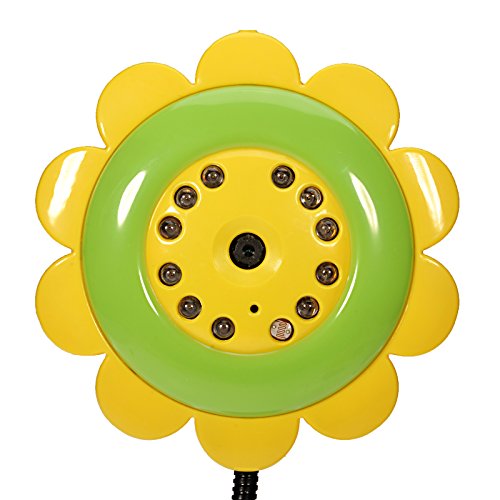
Nightvision 12F5 LED lights IR distance: 20m
Audio:
Compression format ADPCM
Input Built-in Mircophone
Output Video output, with external interface
Audio gain AGC
Network:
Network interface RJ-45 10/100Mb self-adaptable Ethernet slot
Protocol Support TCP/IP,HTTP,ICMP,DHCP,FTP,SMTP,PPPoE etc.
Wireless WIFI,802.11 b/g
Online visitor Support 4 visitors at the same time
IP mode Dynamic IP address, static IP address, PPPOE
Others
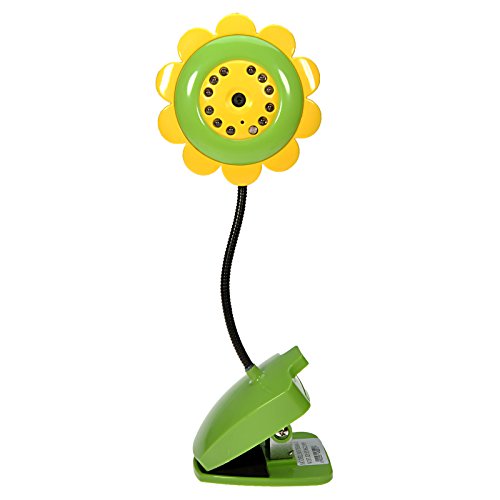
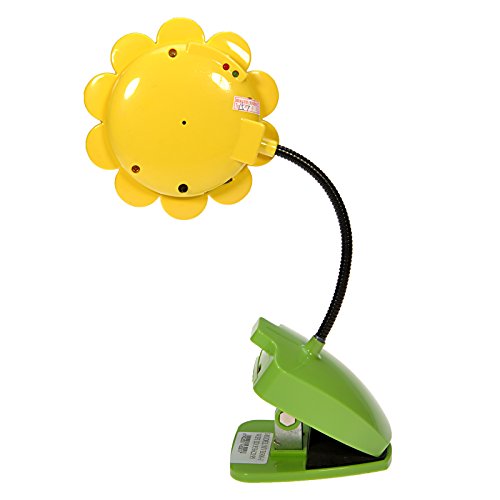
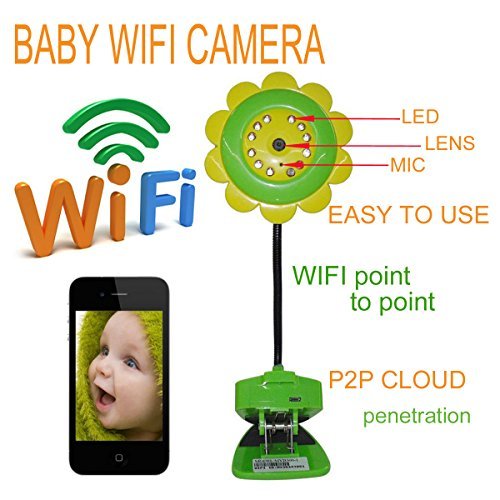
Shape Flower
Use environment Indoor use
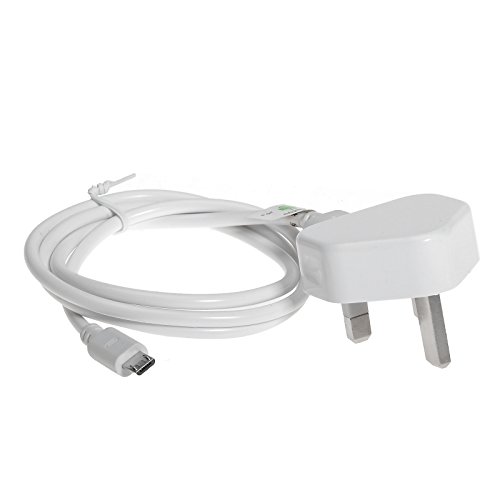
Power DC5V 2A
Temperature -10~50 °C
Humidity 95% RH
| Product Group | CE |
| Color | Green |

I was supplied this free to test and review.
This was let down by the poor instructions, I managed to set it up using my phone and with the help of the sellers. However I did not pursue setting it up as a remote network device as I did not need this mode.
To set it up to use as a remote camera using a smart phone follow these steps.
1/ Scan the QR code on the box and download the app that it goes to.
2/Turn on the camera (just plug it in there is no on off switch) a red led comes on.
3/ Change your WiFi settings on the phone so that it is connected to the camera (MV38383545) is shown as the Wifi you need to connect to.
4/ Open the app and the camera will now be displayed on the phone screen.
Easy when you know how. The thing that fooled me was having to select a new WiFi connection remember that while you are using the camera in this mode you cannot use your normal WiFi connection.
You can...
This review is from: GIZGA® Sunflower HD WiFi Wireless Digital Audio Baby Monitor Baby Security Camera Support Night Vision ,Baby Care Connect from IPhone, iPad, iPod, Android Phones & Tablets, Microsoft Devices, Symbian Devices Best for Parents (Electronics)

Verified Purchase This review is from: GIZGA® Sunflower HD WiFi Wireless Digital Audio Baby Monitor Baby Security Camera Support Night Vision ,Baby Care Connect from IPhone, iPad, iPod, Android Phones & Tablets, Microsoft Devices, Symbian Devices Best for Parents (Electronics)
Verified Purchase This review is from: GIZGA® Sunflower HD WiFi Wireless Digital Audio Baby Monitor Baby Security Camera Support Night Vision ,Baby Care Connect from IPhone, iPad, iPod, Android Phones & Tablets, Microsoft Devices, Symbian Devices Best for Parents (Electronics)
